Made for / Digital nomads
A new city.
A familiar rhythm.
Find the cafes and everyday places that could make your next base feel like yours. Then check the details that make a working day work.
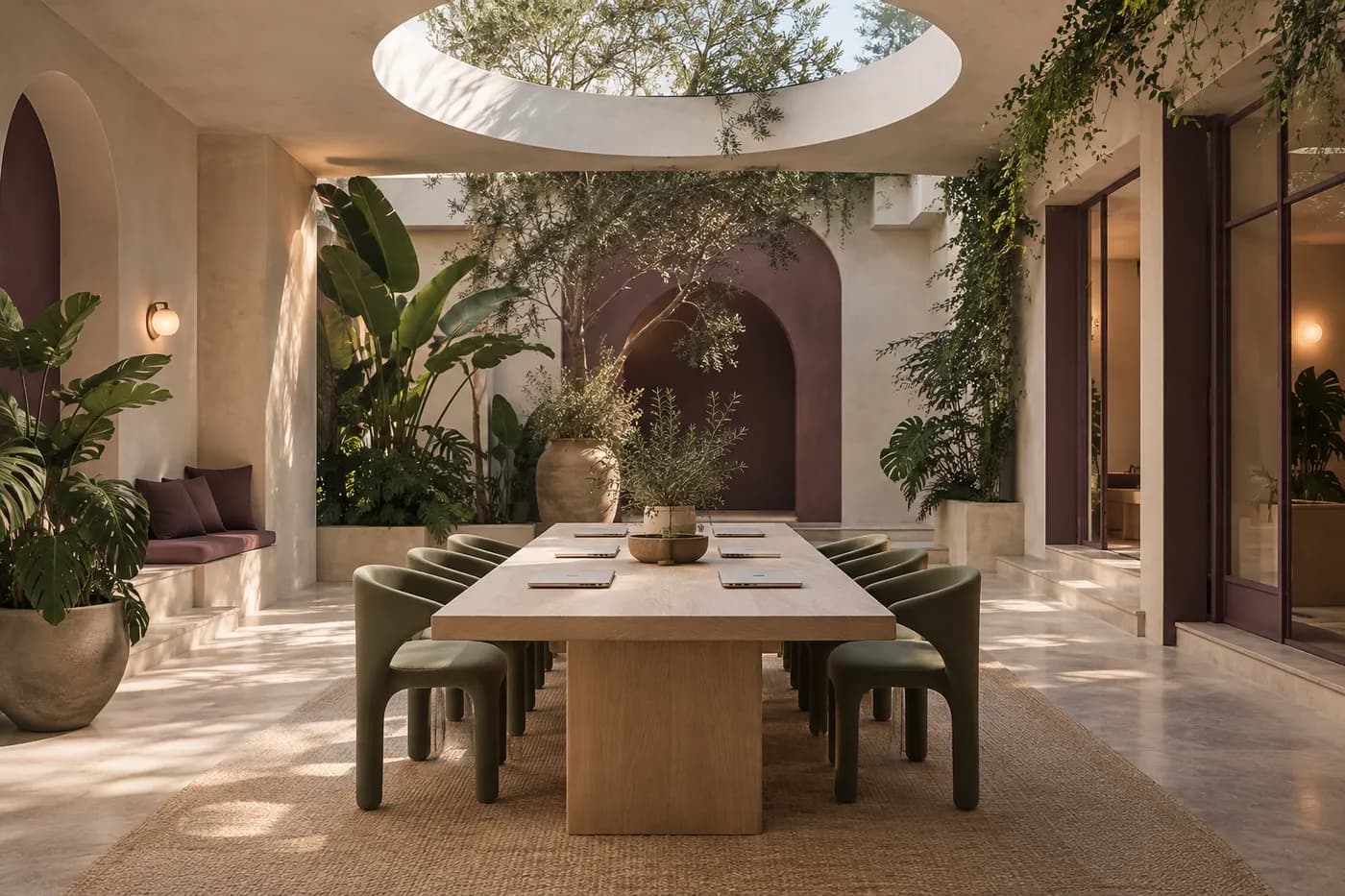
Editorial artwork created with AI.
Start with your everyday radius
Collect public reels about cafes, lunch spots and workspaces near where you plan to stay. Forward promising posts to @holdmypin and review the map links it returns.
Use your map app to compare the journey from your accommodation. A beautiful workspace across the city may be less useful than a reliable option nearby.
Verify the workday essentials
A location match does not tell you whether laptops are welcome or the connection is reliable. Ask the venue about its policies and check the environment before relying on it for a call.
Keep a backup workspace within reach. Your own observations about noise, seating and power are more useful than assumptions based on a short video.
Make the shortlist improve as you settle in
Save checked listings in your own map app and separate places you have tried from places you want to explore. Keep workday essentials apart from weekend inspiration.
Recheck opening hours and access rules when you return. Hold My Pin helps locate places; it does not certify facilities, connectivity or working conditions.
Try it: build a first-week neighborhood kit
Before moving to a new base, pick a few public reels about places near your accommodation: a potential workspace, a lunch spot and somewhere to unwind. Send the posts to @holdmypin and check the returned listings. Map the routes from where you will actually be staying.
Keep work and leisure in separate lists so a beautiful café does not become your only plan for a deadline. Visit a possible workspace before relying on it for an important call. Your own check of noise, seating and connectivity is the part a short reel cannot do for you.
- Keep a confirmed workspace and a backup within a practical journey.
- Ask about laptop hours, calls, power and day-pass requirements.
- Keep a separate list for weekend discoveries further away.
- Update your notes after visiting; useful routines come from experience.
Good questions.
Can Hold My Pin find cafes with reliable Wi-Fi?
It can help identify a cafe featured in a post. You need to verify Wi-Fi, laptop policies, power and other facilities with the venue yourself.
What if the assistant cannot find the place?
Some posts do not contain enough clues, and private or removed content may not be accessible. Check the reply in your DMs, try a public post with clearer context, and verify any returned result before visiting.
Give that reel somewhere to go
Your next good plan.
One reel away.
Follow @holdmypin. Send a public reel.
Get map links back in your DMs.