Made for / Travelers
A trip worth
looking forward to.
Turn the places you discover on Instagram into a shortlist for your next trip. Start with the reel. Take the map link from there.
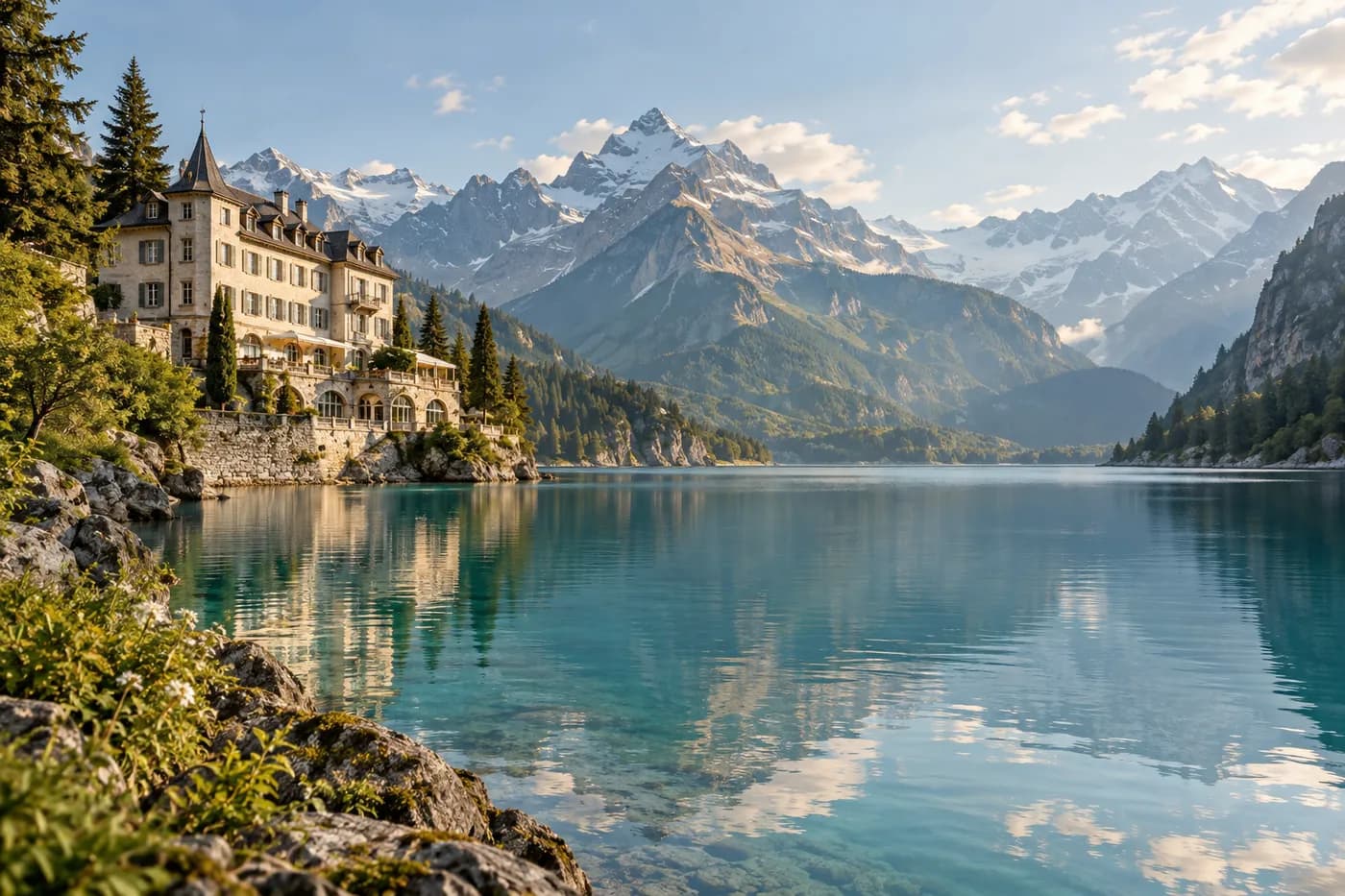
Editorial artwork created with AI.
Let the places you love shape the trip
That tiny hotel. The late-night noodle shop. A view you keep coming back to. Forward public reels and posts to @holdmypin so the assistant can look for the places behind them.
When a result comes back, open the Google Maps link and compare the name, city and branch with the original post. Save the checked listing to a trip list in Google Maps.
Build a day you can actually enjoy
Start with one place you really want to visit, then look for a meal or activity nearby. Check the journey between them before committing to both. Leave space for something you discover along the way.
Keep separate lists for each city and put faraway ideas in a someday list. Hold My Pin helps find place links; your maps, bookings and itinerary remain yours to arrange.
A final check makes it a real plan
Confirm opening days, booking requirements and the correct location with the venue before you travel. A reel can be old, and AI can confuse similar names.
If you need offline navigation, set it up separately in your map app. The Instagram assistant needs connectivity to receive your reel and send a reply.
Try it: sketch one day of your next trip
Start with three public reels you have already saved: one place to stay, one thing to do, and one place to eat. Send each to @holdmypin and review the replies. Move a result into your trip list only after you have checked its name, address and city against the post.
Now open that list on the map. Choose the activity as an anchor and compare the journey from your accommodation and to the restaurant. If the meal means crossing the city twice, keep it for another day. This small exercise gives you a workable starting point without making every saved reel part of the itinerary.
- Name a list for the city and trip, such as “Rome — autumn ideas”.
- Keep the original reel link beside any tip you want to remember.
- Book time-sensitive activities directly, then add travel time around them.
- Keep one nearby alternative for a closure, rain, or a change of mood.
Good questions.
Can I use this to plan a whole trip?
Use the returned links as inputs to your plan. Save and organize the places in your own map app, then arrange routes, reservations and travel separately.
What if the assistant cannot find the place?
Some posts do not contain enough clues, and private or removed content may not be accessible. Check the reply in your DMs, try a public post with clearer context, and verify any returned result before visiting.
Give that reel somewhere to go
Your next good plan.
One reel away.
Follow @holdmypin. Send a public reel.
Get map links back in your DMs.